
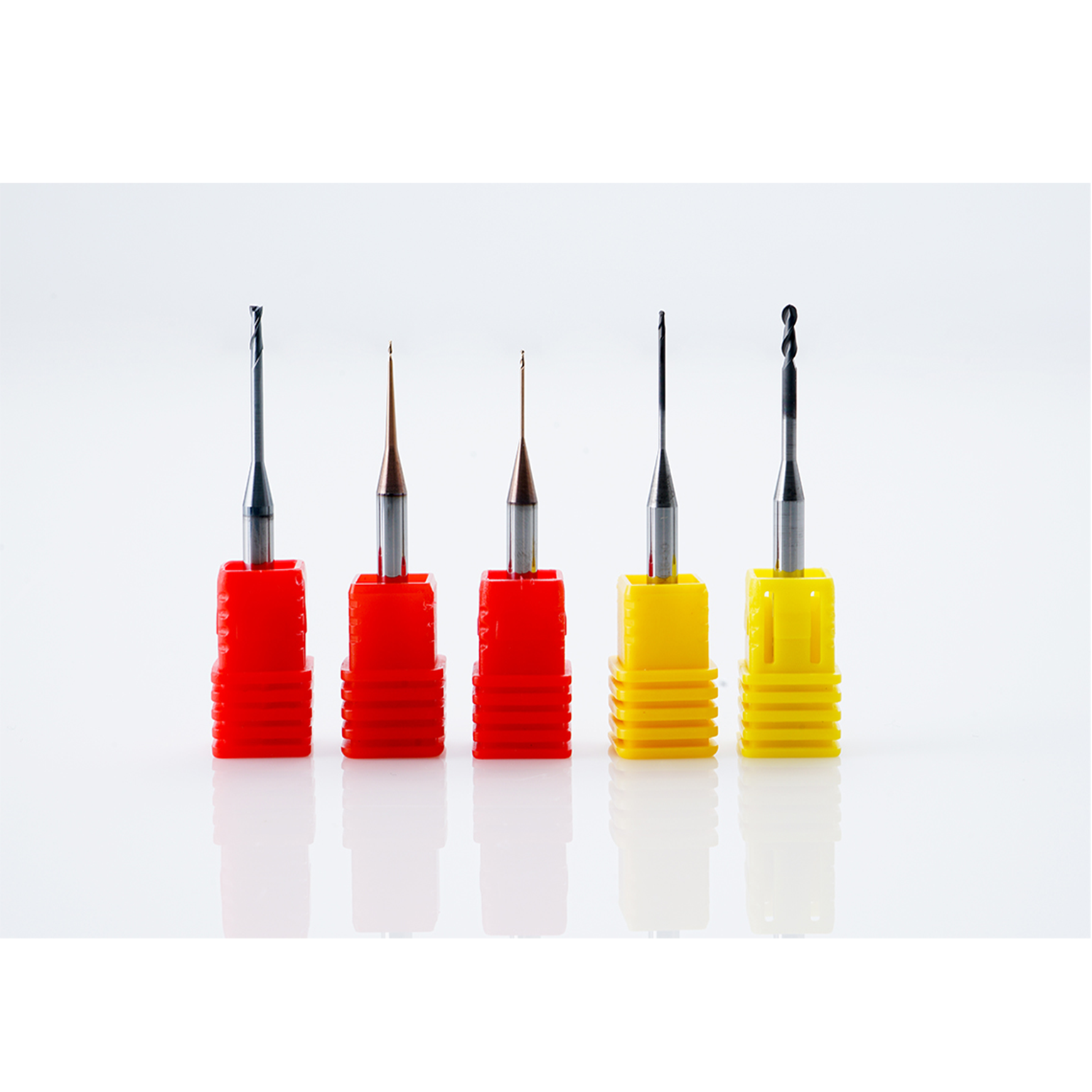
ARUM · DENTAL CAD/CAM MILLING TOOLS
Precision Tools
for Metal Milling.
ARUM metal milling tools are available across multiple diameters, cutting lengths and overall lengths to support different metal-milling strategies, machine configurations and restoration geometries. Select the correct tool code for your CAM strategy and machine setup.
SELECT THE RIGHT TOOL
Read the Tool Code Before You Order.
Each DDA listing combines a tool code with diameter, cutting length and overall length. The correct choice should match your milling machine, CAM tool library, holder geometry and material strategy.
Tool Diameter
For example, D2.0 indicates a 2.0 mm tool diameter. Larger tools are generally used for bulk removal while smaller tools access finer anatomy and detail.
Cutting / Working Length
The first length value identifies the active or working length shown in the DDA tool listing. Match this to your CAM tool definition and intended access depth.
Overall Length
The final value is the overall tool length, such as 50 mm or 55 mm. Overall length is critical for machine, collet and tool-library compatibility.
CURRENT METAL TOOL RANGE
Available Tool Codes & Dimensions.
The table below reflects the current variants listed on Dental Dynamics Australia for this Metal Tool product.
| Code | Diameter | Working Length | Overall Length | Additional Geometry |
|---|---|---|---|---|
| MB-09 | 3.0 mm | 12 mm | 50 mm | — |
| MB-10 | 2.0 mm | 12 mm | 50 mm | — |
| MB-11 | 1.5 mm | 10 mm | 50 mm | — |
| MB-12 | 1.0 mm | 10 mm | 50 mm | — |
| MB-14 | 0.6 mm | 3 mm | 50 mm | — |
| MB-58 | 2.0 mm | 12 mm | 44 mm | — |
| MB-59 | 1.5 mm | 10 mm | 43 mm | — |
| MB-60 | 1.0 mm | 8 mm | 42 mm | — |
| MB-62 | 2.0 mm | 12 mm | 44 mm | — |
| MB-63 | 1.5 mm | 10 mm | 43 mm | — |
| MB-64 | 1.0 mm | 8 mm | 42 mm | — |
| MD-18 | 1.5 mm | 14 mm | 50 mm | — |
| MD-19 | 2.0 mm | 18 mm | 55 mm | — |
| MD-73 | 1.1 mm | 5 mm | 50 mm | — |
| MF-15 | 2.0 mm | 18 mm | 55 mm | — |
| MF-45 | 1.5 mm | 7 mm | 50 mm | — |
| MF-65 | 0.6 mm | 6 mm | 50 mm | — |
| MF-71 | 0.6 mm | 6 mm | 50 mm | — |
| MFR-43 | 2.0 mm | 18 mm | 55 mm | R0.2 |
| MFR-44 | 1.5 mm | 5 mm | 50 mm | R0.1 |
| MFR-66 | 1.5 mm | 14 mm | 50 mm | — |
Dimensions are taken from the current DDA online product listing. Do not select a tool from diameter alone; the exact ARUM tool code, total length, working length and CAM tool library must match the intended machine setup.
TOOL FAMILY GUIDE
One “Metal Bur” Category, Multiple Tool Families.
The current product listing contains MB, MD, MF and MFR code families. Treat the exact code as the primary ordering reference rather than assuming all tools with the same diameter are interchangeable.
COMPATIBILITY FIRST
Match the Bur to the Machine and CAM Strategy.
A matching diameter does not automatically mean a tool is interchangeable. Overall length, cutting length, geometry, holder clearance, collet setup and CAM tool definition all matter. If you are unsure which ARUM code your machine requires, send DDA the machine model and current tool code before ordering.
ORDERING CHECK
Before Adding a Tool to Cart.
Confirm Machine Model
Check the exact milling machine model and tool-holder system. Similar ARUM machines can use different tool lengths or libraries.
Confirm Existing Tool Code
When replacing a used bur, match the existing code wherever possible. The ARUM code is safer than ordering by diameter alone.
Confirm CAM Library
Make sure the tool is defined correctly in your CAM software before milling. An incorrect tool definition can affect collision clearance, toolpaths and restoration quality.
DDA TECHNICAL SUPPORT
Not Sure Which Milling Tool You Need?
Send Dental Dynamics Australia your milling machine model and the tool code you are replacing. Our team can help confirm the appropriate ARUM bur before you order.
Ask DDA About Tool Compatibility